
longarm
Drive Android over HTTP and MCP: gestures, screenshots, and batch automation.

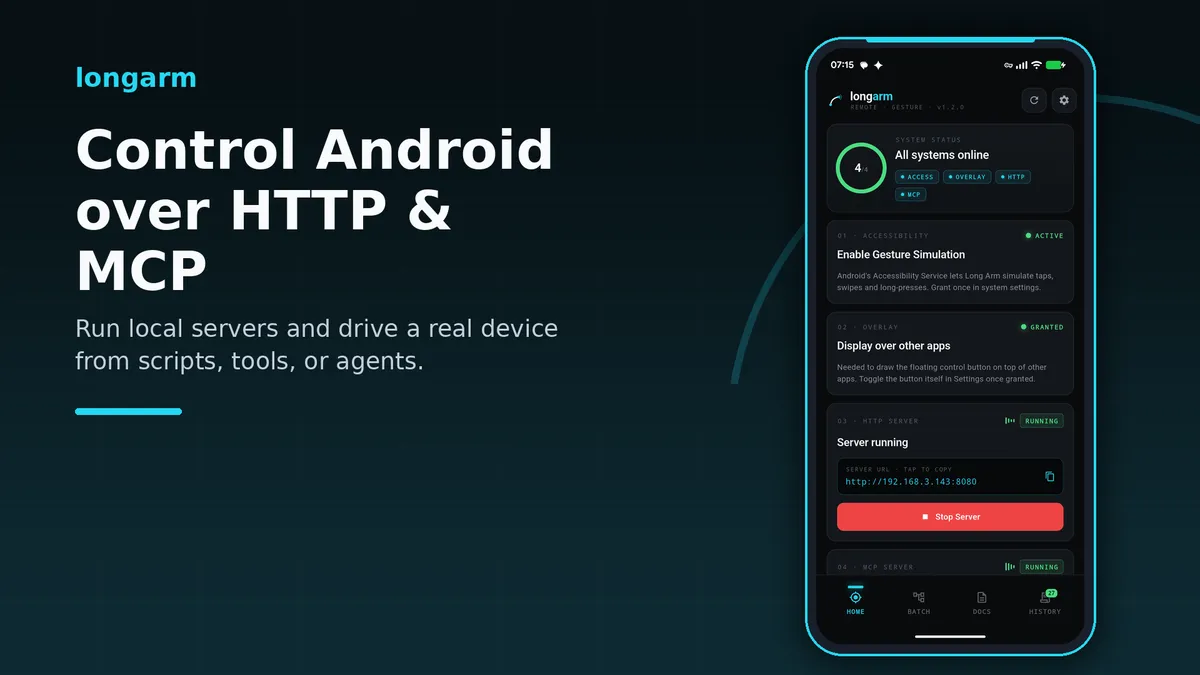
longarm turns an Android phone or tablet into a controllable remote endpoint for developers, testers, automation scripts, MCP clients, and AI agents.
Start the built-in HTTP server or streamable HTTP MCP server, copy the device URL, and send simple requests from another machine on the same network. longarm injects taps, swipes, long-presses, pinches, rotations, and two-finger swipes at exact screen coordinates, reports screen size and density, captures PNG screenshots, opens apps or Android intents, and shows or hides a floating control overlay.
For repeated work, save batch tasks that combine gestures, delays, screenshots, app launches, and intents into reusable flows. Run them from the app, trigger them through the HTTP API, or let an MCP-compatible agent list, save, run, and inspect batch history.
The app is designed for practical Android automation workflows where you need direct, scriptable interaction with a real device. Use it to drive test flows, operate apps from a desktop tool, collect screenshots, replay setup steps, or connect a higher-level AI agent to a physical Android screen.
Control a Real Android Device over HTTP and MCP
Start the built-in HTTP server or streamable HTTP MCP server, copy the device URL, and control a physical Android screen from another machine on the same network. longarm gives scripts, desktop tools, and AI agents local access to taps, app actions, screenshots, and screen information without root.
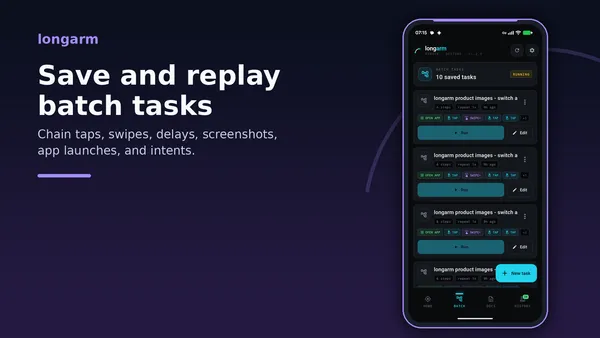
Batch Tasks for Repeatable Flows
Save named sequences of taps, swipes, delays, screenshots, app launches, and Android intents. Run them from the Batch tab, trigger them remotely over HTTP, or let an MCP-compatible agent start a complete workflow in one call.
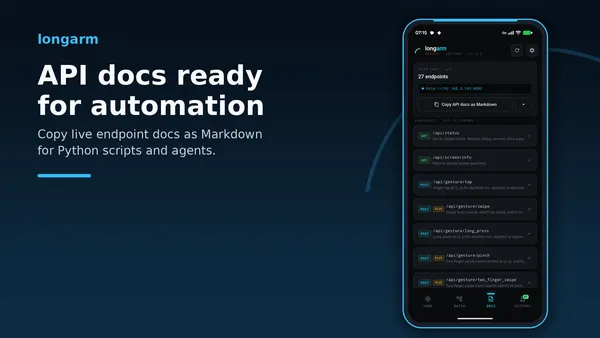
API Docs Ready for Scripts and Agents
The Docs tab lists over 20 endpoints with live parameters, including gestures, screenshots, app launching, intents, batch task CRUD, run status, and history export. Copy the whole API as Markdown and paste it into a script, test harness, or agent prompt.
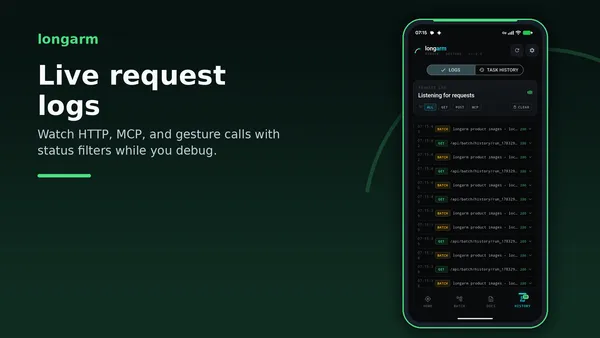
Live Logs for HTTP and MCP Calls
The History tab streams incoming HTTP requests and MCP tool calls with status codes, methods, and filters. Use it to audit remote control sessions and debug failed automation steps while the device is running.
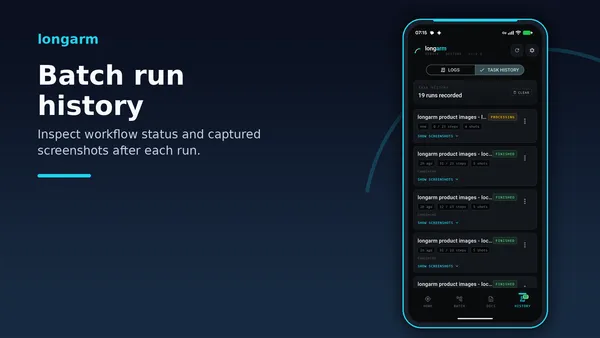
Batch Run History and Screenshot Results
Every batch run is recorded with status, progress, messages, and captured screenshots. Review completed, failed, aborted, or still-running workflows from the device, then export screenshots when you need evidence for QA or automation reports.